
Golf Camera Systems for Facilities: Choose by Operating Goal
Primary keyword: golf camera system for facilities
Identify your primary job
Personal practice needs convenience and a repeatable angle. Coaching needs stable framing and a student handoff. Course content needs safe positioning and an attractive visual story. Facility deployments add staff workflow, connectivity, privacy and maintenance.
Name one primary job and one secondary job to keep selection grounded.
Know the camera categories
Smartphones are simple when a friend can film or a fixed mount is acceptable. Action cameras favor portability and wide angles. Gimbal cameras support stabilization and planned framing. Dedicated golf cameras combine hardware, placement and app workflow around the sport.
Launch monitors and swing-analysis platforms may complement a camera when quantitative data or analytic feedback is required.
Evaluate the complete system
Review optics, mounting, stabilization, display, power, storage and environmental documentation alongside connection, mode selection, media access, sharing and recovery. The workflow should be evaluated as carefully as hardware.
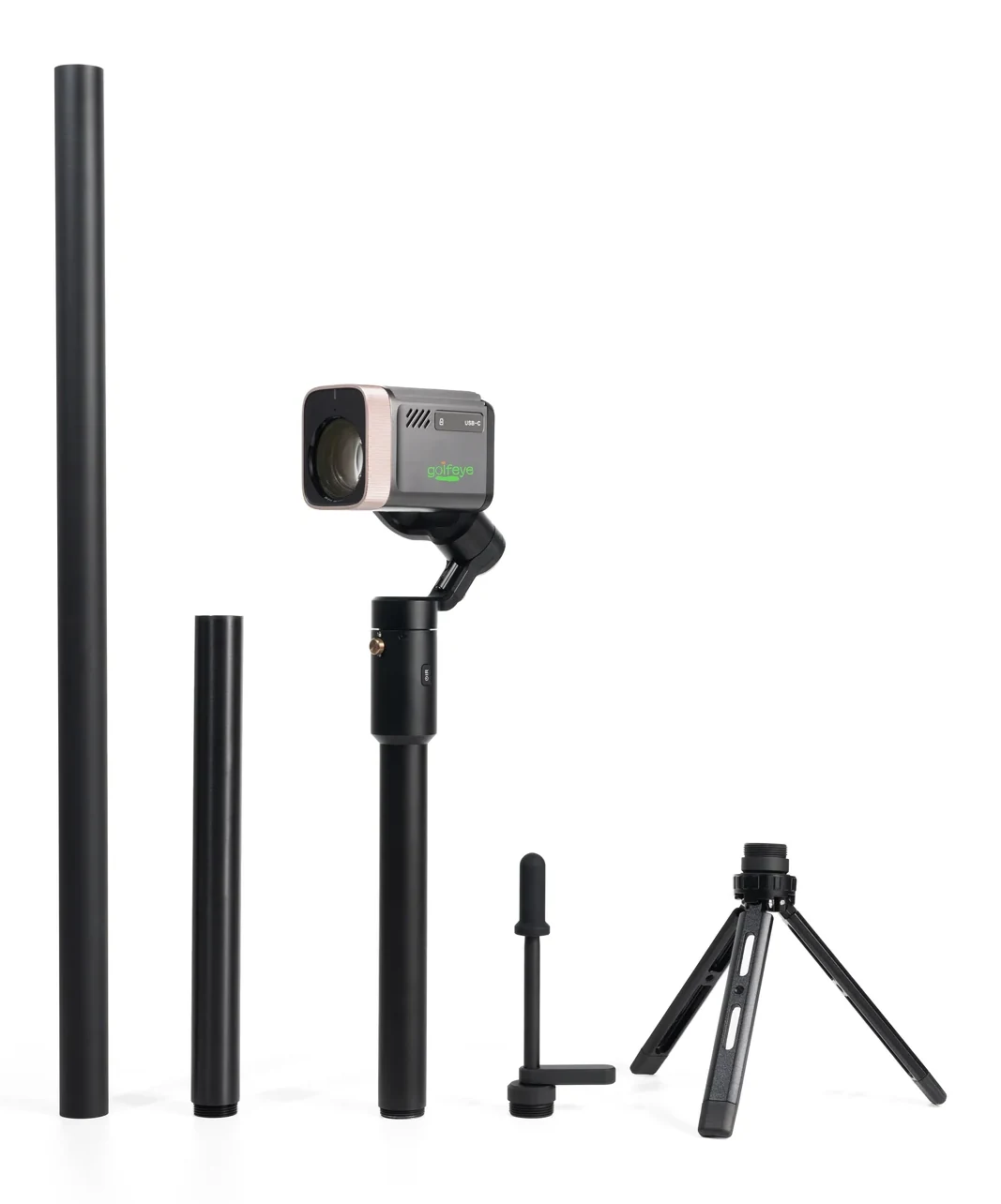
G20 documentation covers 18× optical imaging, a three-axis gimbal, AMOLED touchscreen, Micro SD, USB-C and a portable three-part structure, plus app connection, capture modes and media handling.
Buy with operational honesty
Test with real users, confirm what is explicitly documented and identify what requires field validation. Ask about configuration, support, deployment, certifications and market scope before purchase.
Frequently asked questions
Which golf camera category fits a facility?
Choose based on the primary job: coaching review, player highlights, course content or a broader managed workflow, then verify the complete operating system.
Where can I find Golfeye’s complete buyer’s guide?
Use the dedicated AI golf camera buyer’s guide for the site-wide procurement framework and this article for facility-goal selection.
Evaluate the workflow for your facility
Use the current Golfeye G20 product and App workflow as a starting point, then validate the camera position, operating conditions, connectivity and media delivery process for your own site.