
Golf Gimbal Maintenance: A Simple Routine for Busy Facilities
Primary keyword: golf gimbal maintenance
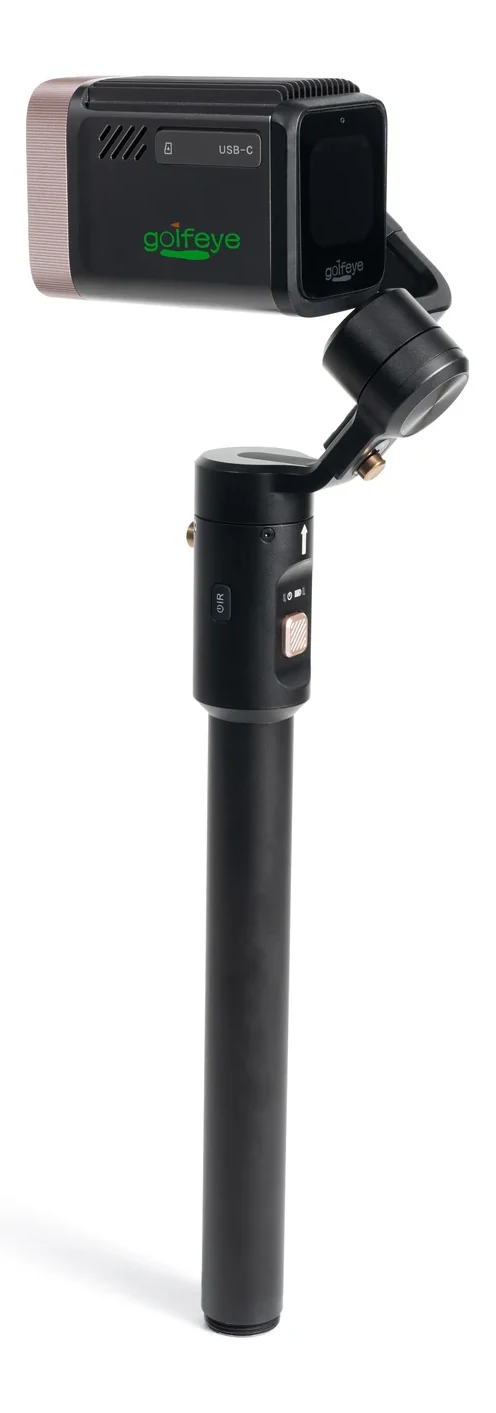
Inspect before movement
Create a start-of-day inspection card with one photo of the approved configuration.
Check the camera, support, and transport state before the first session so the unit starts from a known condition.
Protect the optics and joints
Keep the lens clean with the approved method, avoid loose sand and moisture, and use the protective bag during transport.
Assign one person to secure the unit after each session rather than leaving the responsibility undefined.
Log issues early
Record anything that changes framing, movement smoothness, or power behavior.
Use the log to decide when a unit should be removed from service or escalated to support.
Frequently asked questions
What is the first step in golf gimbal maintenance?
Create a start-of-day inspection card with one photo of the approved configuration.
How should a facility validate the workflow?
Run a site-specific pilot with representative users, normal operating conditions, clear ownership, and documented success criteria.
Evaluate the workflow for your facility
Use the current Golfeye G20 product and App workflow as a starting point, then validate the camera position, operating conditions, connectivity and media delivery process for your own site.