
How Golf Facilities Should Evaluate Outdoor Swing-Video Systems
Primary keyword: outdoor golf swing video system
Set a practical evaluation frame
Define the actual job first: coached lessons, a driving-range experience or outdoor course content. Then evaluate deployment, capture modes, optics, stabilization, app features, portability, support, pricing and regional availability.
If the required output is quantitative ball data or formal swing diagnosis, add the relevant measurement or analysis category rather than expecting a video camera to perform every job.
What to verify before selecting a system
Ask for current specifications and validate physical deployment, power, operating conditions, app compatibility, storage, network dependencies, warranty and support region. A fair demonstration should include setup, capture, missed-capture recovery and media export or sharing.
How Golfeye G20 compares on documented facts
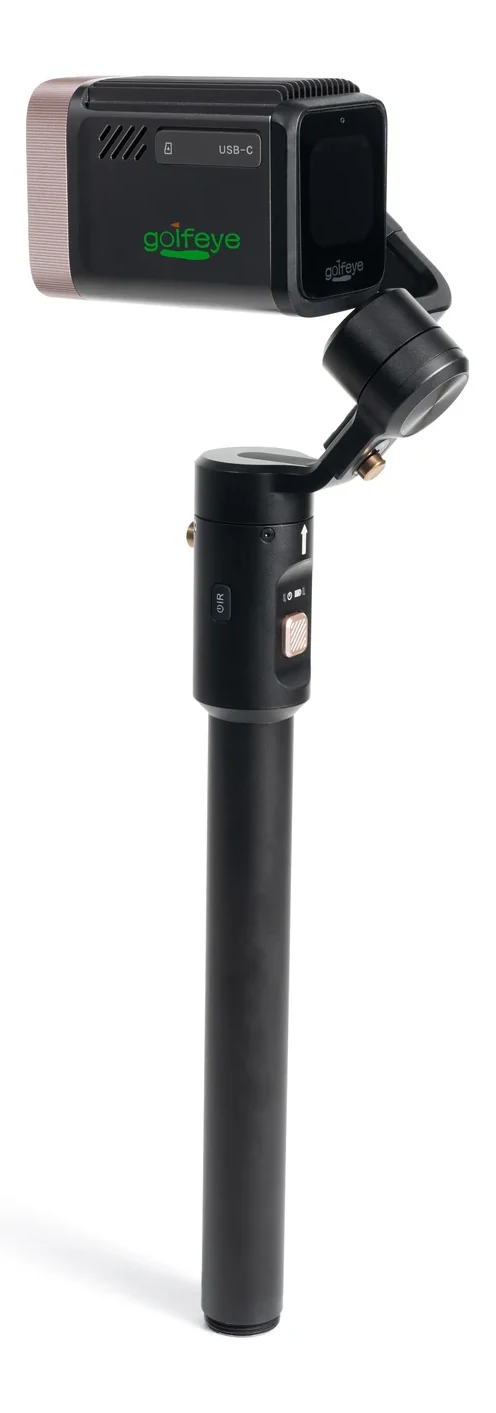
G20 is a connected outdoor camera-and-app platform with 18× optical imaging, a three-axis motorized gimbal, 12.5 TOPS of documented on-device compute, GPS/IMU, touchscreen and Wi-Fi 6. It documents Automatic, Putter and FreeStyle modes plus optional media automation settings.
It is not documented as a fitting-grade ball-metrics system, universal biomechanics engine or guaranteed automatic-capture accuracy level. A credible comparison keeps these boundaries visible.
Make the decision with a pilot
Score setup time, safe placement, usable output, media handoff, staff burden, operating cost and supplier support. Test finalists in the same environment and select the workflow that most reliably serves your users.
Frequently asked questions
What should an outdoor swing-video system evaluation include?
Evaluate safe placement, setup, capture, missed-capture recovery, media export, staff effort, operating cost and local support.
Why is a pilot more useful than a specification sheet?
A pilot tests the same users, lighting, connectivity and operating conditions that the facility will face after purchase.
Evaluate the workflow for your facility
Use the current Golfeye G20 product and App workflow as a starting point, then validate the camera position, operating conditions, connectivity and media delivery process for your own site.